
Friendly inspiration tool
Room Style Finder
Choose your room, mood, problem, colors, and budget energy. The tool gives you a style direction, practical decor moves, and Pinterest inspiration searches without using an API or copied images.
Your style direction
Cozy Soft Reset for your living room
Your living room is asking for a cozy direction that solves the “feels cold” feeling without buying random pieces. Keep the base intentional, repeat your palette, and fix the room’s function before adding small decor.
Palette
5 decor moves
- Warm the room with lower lamps, warmer bulbs, a larger textile, and one earthy accent color.
- Repeat your strongest color in three small places.
- Choose one larger anchor piece before buying small accessories.
- Use linen, wool, warm wood, and one oversized textile.
- Keep one visible surface clear so the room can breathe.
Do not buy yet
Do not buy small decor until layout, lighting, and storage are handled. The room will feel better faster if the first purchases solve daily friction.
Lighting: two warm lamps below eye level, not only the ceiling light.
Pinterest inspiration searches
These open safe Pinterest search pages in a new tab. No scraping, no copied images.
Latest style inspiration
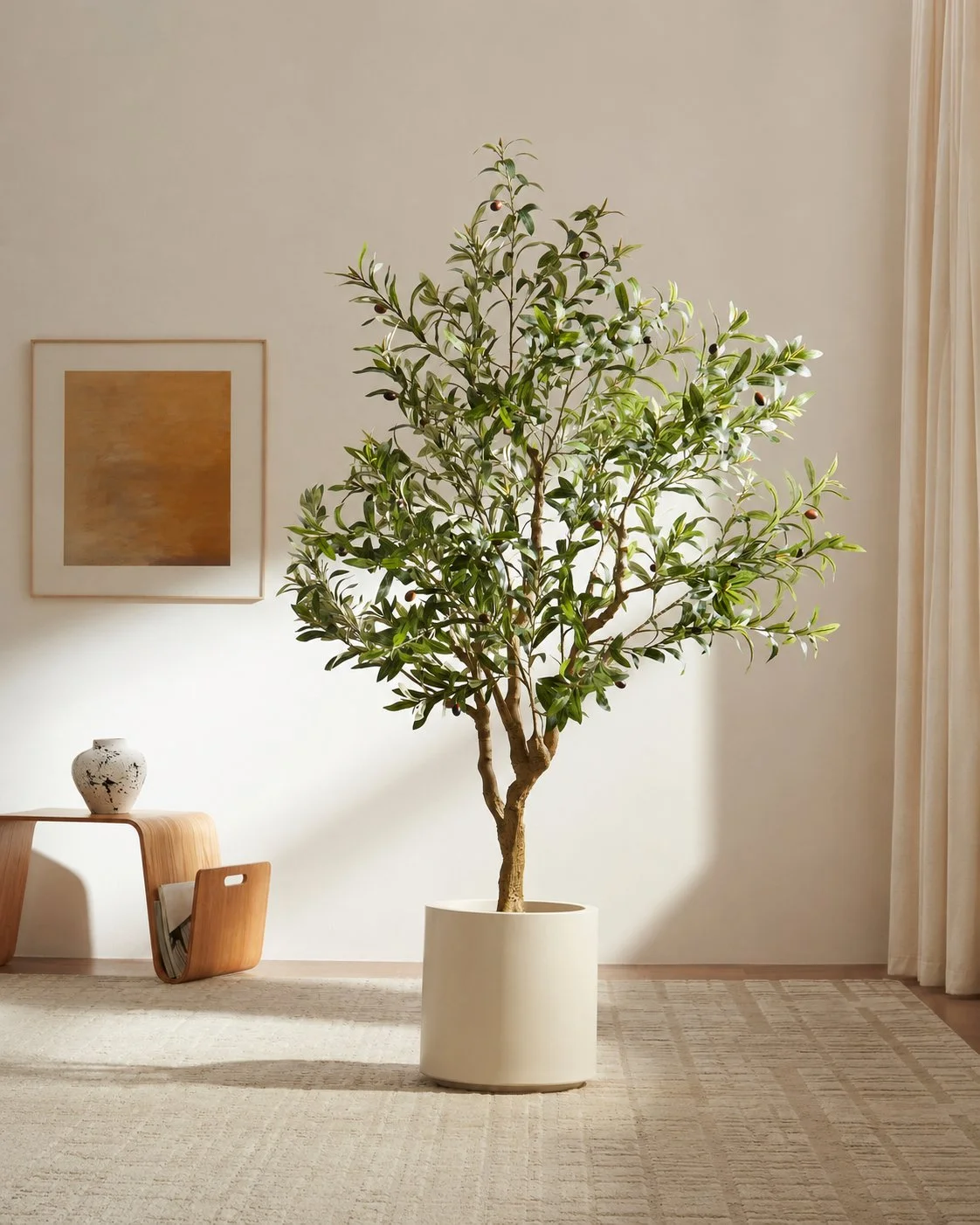
Interior Decor & Styling
I Lived With a Rootless Tree for a Month - Here's My Honest Take
A week-by-week honest review of the Rootless Tuscan Olive faux tree, from unboxing to a month of daily use.
September 23, 2026
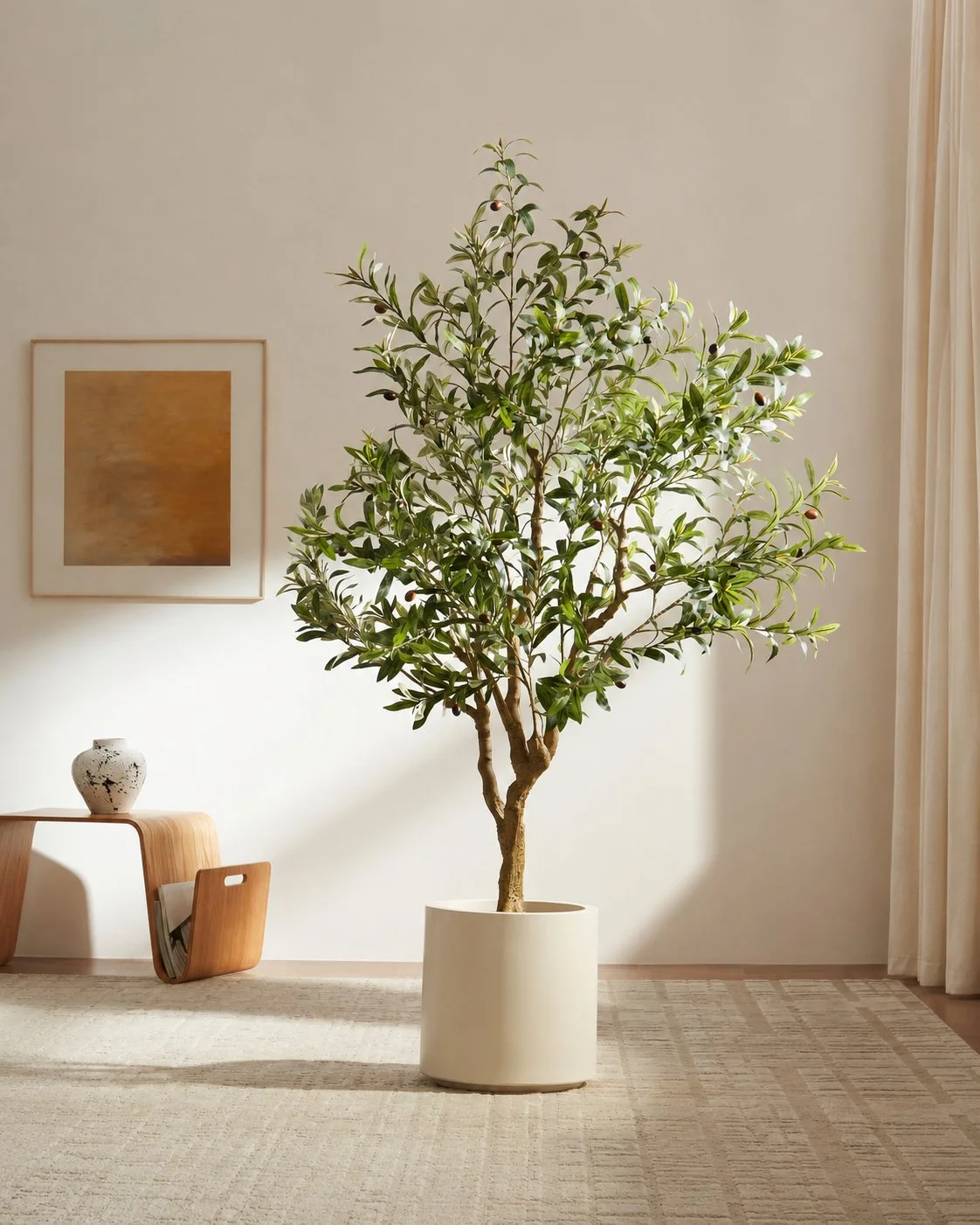
Interior Decor & Styling
Where to Put a Statement Tree in a Small NYC Apartment (6 Spots That Actually Work)
Six spots for a tall statement tree in a small NYC apartment, tested in one real home over a few weeks.
September 22, 2026
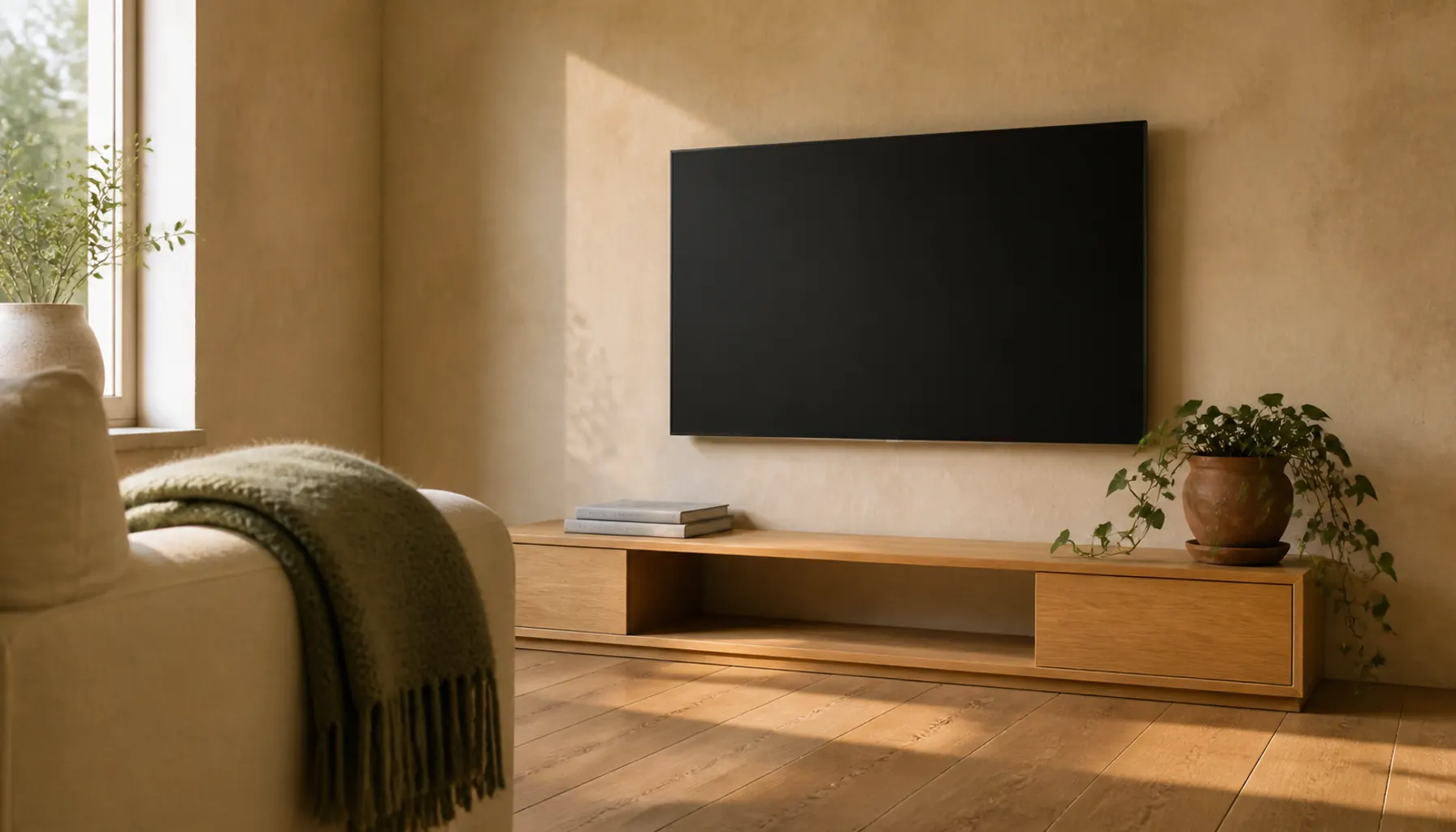
Interior Decor & Styling
How Far Should You Sit From a TV in a Small Living Room?
How far should you sit from a TV in a small living room? Match screen size to your real distance, and fix eye level, glare and off-angle seats before you buy.
August 23, 2026
Helpful answers
How to use the Style Finder
How does the Room Style Finder work?
It asks you a few gentle questions instead of expecting you to already know the answer. Pick the room, the feeling you are chasing, the problem that bugs you most right now, up to four colors you love, and your budget energy. From those answers it puts together a style direction in plain language, plus a handful of practical decor moves you can actually try, so you leave with a plan rather than just a pretty mood.
What actually happens when I tap a Pinterest link?
It simply opens a Pinterest search in a new tab, built from your result, exactly as if you had typed those words into Pinterest yourself. That is the whole trick. The site does not use the Pinterest API, does not scrape or download images, and does not copy any Pinterest content. You browse and save on Pinterest's own pages, and your boards stay yours.
Should I run the Style Finder before the Budget Calculator?
If you are still deciding the mood, the palette, or the overall look, then yes, start here. It is much easier to price a room once you know what you are aiming for. Once a direction feels right and you catch yourself thinking "that is the one," head over to the Budget Calculator to see what bringing it to life might cost in USD.
I rent. Is this still useful for me?
Absolutely, and it is designed with you in mind. Choose rental limitations as your current problem and the tool leans toward removable, freestanding, and low-commitment ideas, the kind of changes that make a place feel like yours and still come with you when you move. No drilling, no lost deposit, no regrets on move-out day.
Do my answers get saved or sent anywhere?
No. Your choices are used right there in your browser to build your result and are not stored on a server or tied to your name. There is no account and no email required to get your style direction. If you want to keep what you find, just save the Pinterest searches or ideas you like into your own boards.