In this article
- Key Takeaways
- The Short Answer: Match Distance to Screen Size
- How Resolution Changes the Answer
- Viewing Angle: When a Big Screen Is Too Close
- Get Your Eye Level Right
- Off-Axis Seats in a Small Room
- Glare, Windows, and Distance Together
- Step-by-Step: Measure Your Room and Test a Size
- Common Mistakes
- Expert Tips
- Frequently Asked Questions
- Get the Distance Right Before You Get the Screen
How Far Should You Sit From a TV in a Small Living Room?
How far should you sit from a TV in a small living room? Match screen size to your real distance, and fix eye level, glare and off-angle seats before you buy.

· 12 min read
In a small living room, a comfortable seat sits between about 1.2 and 2 times the screen's diagonal away from it: a 55-inch TV suits roughly 5.5 to 9 feet, a 65-inch suits roughly 6.5 to 11 feet. That band is wide on purpose, since the right distance depends on the screen's resolution and how much of your view you want the picture to fill.
Most people meet this question backwards: they buy the TV, hang it on the only wall that works, then wonder why the picture feels overwhelming. Measuring the distance first is easier, and where the furniture goes is a separate problem our guide to arranging a long narrow living room with a TV handles.
Key Takeaways
- Measure from your seat to the wall first, then choose the screen size.
- Roughly 1.2 to 2 times the diagonal covers most comfortable distances.
- A 4K panel can be viewed closer than an older 1080p one before pixels show.
- Put the center of the screen at or just below your seated eye level.
- Off-axis seats lose contrast on most LED panels, so plan for the worst seat.
- A window facing the screen causes more complaints than distance ever does.
- Tape the screen's outline on the wall and live with it for a few days.
The Short Answer: Match Distance to Screen Size
Sit far enough back that the picture fills your view without your eyes traveling, and close enough that detail still reads. In a small room that usually means 43 to 65 inches, not the biggest panel the wall can hold.
- Under 6 feet: 43 to 55 inches.
- 7 feet: 50 to 65 inches.
- 8 to 9 feet: 55 to 75 inches.
- 10 to 11 feet: 65 to 85 inches.
Notice the overlap: no single correct answer at any distance, only a range where most people are happy.
The advertised size is the diagonal, not the width. On a widescreen panel the width is roughly 87 percent of the diagonal, so a 65-inch TV is about 57 inches wide, and that width is the number to check against your wall.
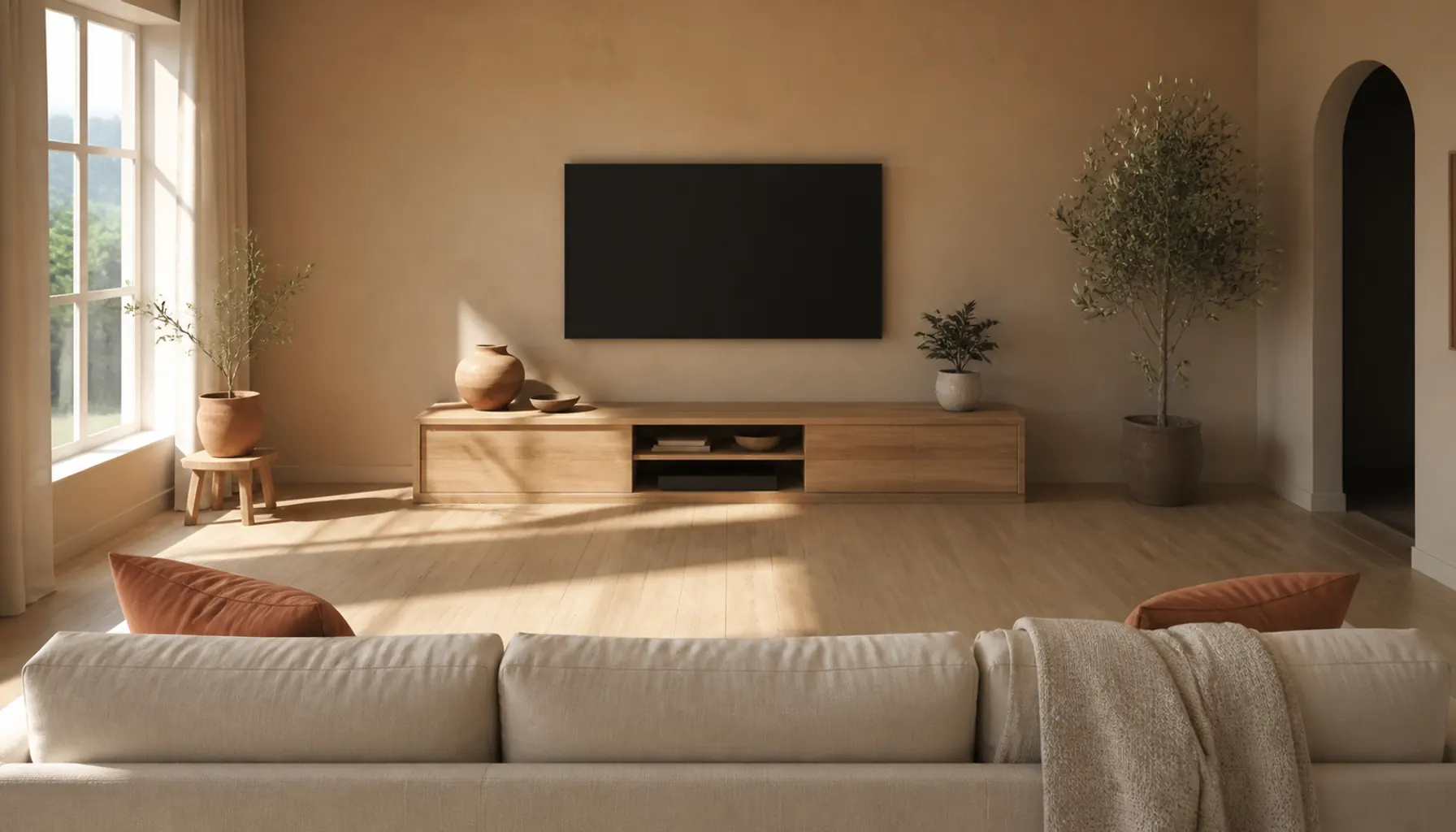
Why the common rules disagree
The rules of thumb conflict because they answer two different questions. The immersion rule asks how much of your vision the picture should fill, generally around 30 to 40 degrees of horizontal view, which works out to roughly 1.2 to 1.6 times the diagonal. The resolution rule asks how close you can get before the pixel grid shows, which on an older 1080p set puts you further back, closer to 1.5 to 2.5 times the diagonal.
Both are correct; they measure different things. On a 4K screen the two rules finally agree, which is why current advice sounds more aggressive than advice from ten years ago.
Tip: If you mostly watch news, sports and daytime TV rather than films, sit toward the far end of the range. Immersion matters less when you are half paying attention.
How Resolution Changes the Answer
Higher resolution lets you sit closer, since the same screen area is divided into smaller pixels with finer detail to give. Eyes resolve detail only to a certain angular size, past which neighboring pixels blend into one, and a 4K screen packs four times as many pixels into the same area as 1080p, so that blending point moves in to about half the distance.
- 1080p: stay back around 1.5 to 2.5 times the diagonal.
- 4K: roughly 1 to 1.6 times the diagonal, which is where a bigger screen in a small room becomes reasonable.
Content matters as much as the panel: a 4K TV showing a compressed stream gains nothing from a closer seat, since you just see the compression more clearly.
Viewing Angle: When a Big Screen Is Too Close
If you have to move your eyes or turn your head to follow the middle of the action, the screen is too big for the distance. That test beats any formula.
This is the failure mode of the oversized small-room TV: the picture fits the wall, but the corners sit outside where your eyes rest, so watching becomes a scanning job. Subtitles are the giveaway; tracking along the bottom edge instead of reading a line at a glance means you are too close.
Too small shows up differently: you lean forward for small text, and the picture reads as a window on the wall rather than something you are inside. That is rarer in small rooms. On a borderline size, the smaller screen is the safer buy.
Get Your Eye Level Right
Put the center of the screen at or just below your eye level when seated. This matters more than an inch or two of distance, and it is what most rooms get wrong.
Do not guess. Sit the way you actually sit, slouch included, and measure floor to eyes. On a normal sofa most adults land somewhere in the low 40s in inches, but seat height and cushion softness move that a lot, so use your own number.
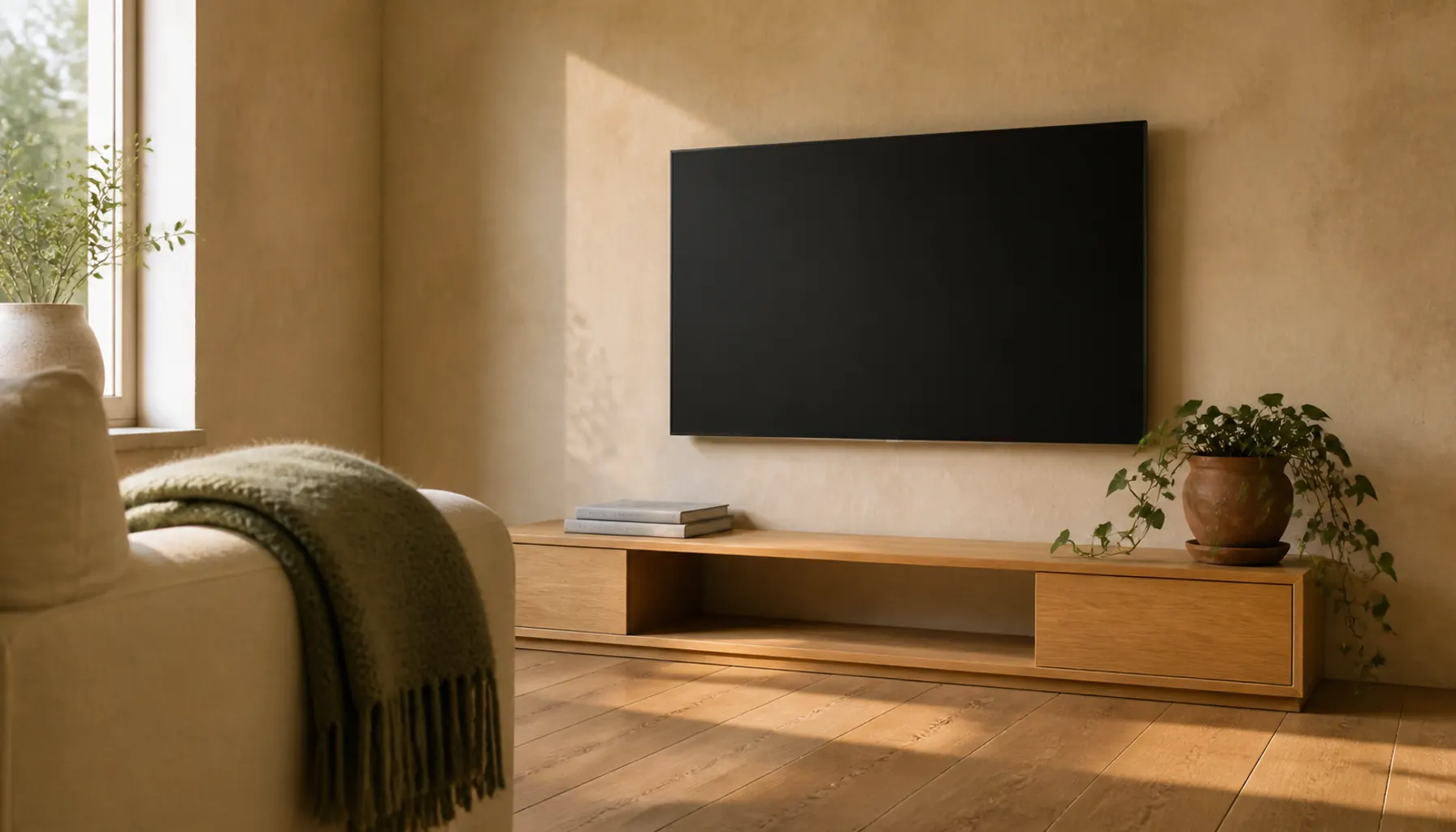
Then work out the screen center. A 55-inch panel is about 27 inches tall, so its center sits 13.5 inches above the bottom edge. At a 42-inch seated eye level, the bottom edge wants to be near 28 inches. Most media consoles are 20 to 24 inches tall, which is why a console-mounted TV ends up slightly low. Slightly low is fine. Slightly high is not.
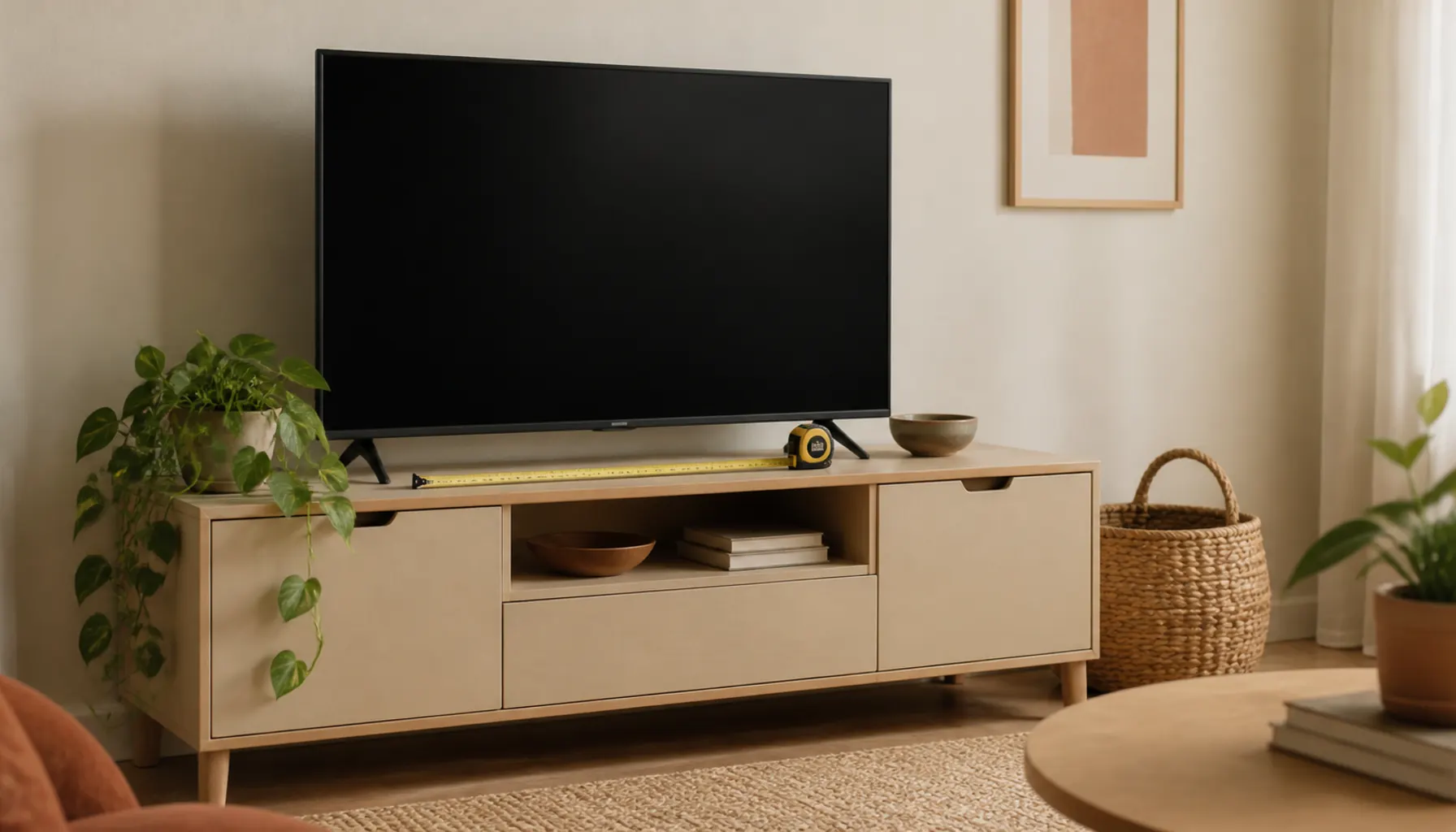
A low console also keeps the wall above open. For storage without bulk, built-in cabinet ideas for a living room keep the media wall recessed, and our console table decor ideas cover styling around a screen.
Mounting above a fireplace
Mounting a TV over a mantel looks tidy and watches badly: your neck holds a small upward tilt for the whole film, which gets uncomfortable before you notice it.
If the fireplace is genuinely the only wall:
- Use a pull-down or tilting mount so the screen angles toward your face.
- Raise your seating, which lifts your eye level for free.
- Sit further back. Distance flattens the upward angle, one case where extra distance beats the sizing math.
- Choose the smaller screen, which puts its center lower at the same mounting height.
A test before you drill: prop a laptop at that height and angle and watch something for twenty minutes.
Off-Axis Seats in a Small Room
Plan around the worst seat, not the best one. In a small room the second chair often sits off to one side, which costs picture quality on most panels: the geometry narrows the screen, and most LED and LCD panels lose contrast and saturation off center, with blacks turning gray. OLED holds up far better, the one real argument for spending more when a room forces sideways seating.
- Angle the seat, not the screen. Turning an armchair 20 or 30 degrees toward the TV fixes the geometry for free.
- Keep the widest seats closest to center. Single chair at the edge, sofa square on.
- Give the far corner a different job. A chair hopeless for TV can be excellent for reading; our reading nook ideas put that dead spot to work.
A rug helps too, pulling the seating into one anchored block nearer the center line. Our guide to choosing and sizing a rug covers that footprint, and apartment living room ideas for small, shared spaces covers the trade-offs.
Glare, Windows, and Distance Together
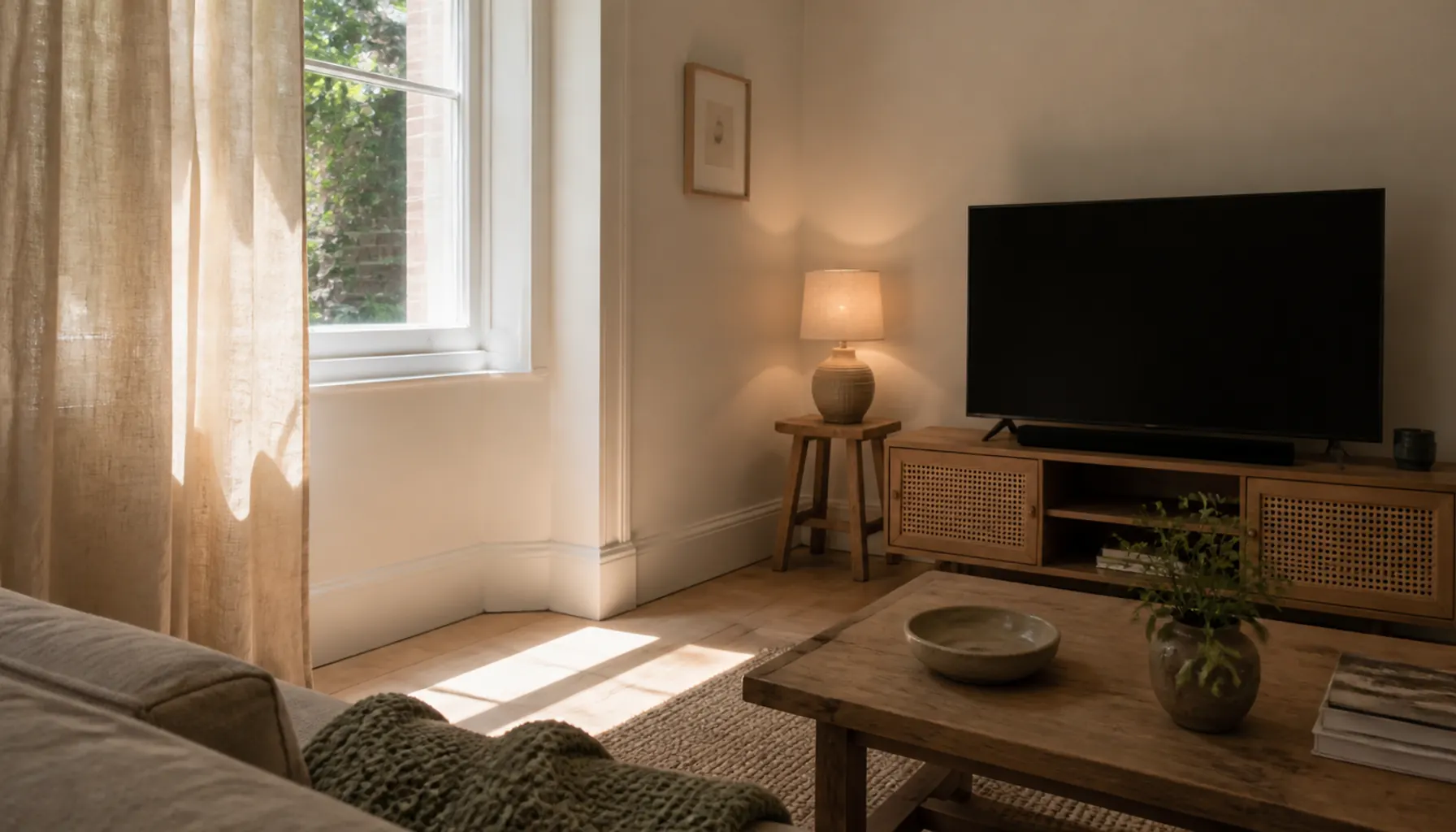
Check the light before you commit to a wall: a window opposite or beside the TV throws a bright rectangle onto the panel, and sitting closer makes it worse, since a reflection that misses your view from 10 feet lands mid-picture from 6.
- Move the seat, not the TV. Shifting the sofa a foot sideways often drops the reflection off the screen entirely.
- Add a lined panel on the offending window, hung high and wide. Our window treatments guide has the heights.
- Watch pale walls behind you, which bounce daylight onto the screen.
- Put a small lamp beside the screen to soften the contrast between a dark picture and a bright room.
One harsh ceiling fixture either reflects off the panel or leaves you staring at a bright screen in the dark, one of the lighting mistakes that make rooms feel cold.
Step-by-Step: Measure Your Room and Test a Size
Work through this before you buy. It takes an evening and saves a return.
Step 1: Measure your real viewing distance
Measure from the TV wall to where the back of your head sits when you watch, not the sofa's front edge or the middle of the room. Write it down in inches.
Step 2: Convert distance to a size range
Divide your distance by 2 for the conservative end and by 1.2 for the aggressive end; at 96 inches that gives roughly 48 to 80 inches. Then narrow it: 4K film watching pushes you larger, older content and a shared room pull you smaller.
Step 3: Check the width against the wall
Multiply your candidate diagonal by 0.87 for the real width, then compare that to the wall or console top with breathing room on both sides. A screen touching an alcove's edges looks cramped however good the distance is.
Step 4: Tape the outline on the wall
Mark the full rectangle in painter's tape at the exact height you plan to mount it. Flattened cardboard is even better, because it reads as an object rather than a line.
Step 5: Sit down and live with it
Sit in every seat. Check eye level, whether the corners feel far apart, and where the window lands on the taped area through the day. Leave the tape up a few days; first impressions of size are unreliable.
Step 6: Plan the cables before you drill
Decide how power and HDMI reach the screen, especially for a wall mount. Reversible methods in renter-friendly upgrades route cords without damage.
Common Mistakes
Buying for the wall instead of the seat. A wall that fits a 75-inch panel does not mean a 7-foot sofa distance suits one. Treat the wall as a limit, not a target.
Mounting the TV too high, usually from marking the bracket at standing eye level while decorating. Sit down first.
Trusting a showroom, large and bright and full of screens, so everything looks smaller there. Judge by your taped outline.
Pushing the sofa back to gain distance. Two feet won by shoving the sofa against a wall usually costs more room feel than comfort gained. Change the screen size instead.
Expert Tips
- Set the size, then the brightness. A large screen at close range feels aggressive largely because it is too bright for the room; turning the backlight down does more for comfort than moving the sofa.
- Bias smaller in a multi-job room. Where the living room also works as an office, an oversized dark rectangle dominates all day.
- Buy the mount before the TV if the wall is awkward. Tilting and pull-down mounts have real limits, and finding out after the panel arrives is expensive.
- Surround it with warm neutrals. A screen off is a black rectangle, so a whole-house paint palette keeps the media wall reading as part of the room.
Frequently Asked Questions
How far should you sit from a 55-inch TV?
Roughly 5.5 to 9 feet. For 4K content and films, the closer end feels more involving; for broadcast TV or background viewing, sit toward 8 or 9 feet. Check your eye level and the worst seat before you settle.
How far should you sit from a 65-inch TV?
Roughly 6.5 to 11 feet. A 65-inch panel is about 57 inches wide, a lot of wall in a small room, so measure width before the diagonal convinces you. If your sofa sits closer than about 6 feet, a 55-inch screen is usually more comfortable.
Is it bad for your eyes to sit close to a TV?
Sitting close is uncomfortable rather than damaging. What people notice is tiredness from a bright screen in a dark room, or from moving their eyes across an oversized picture. Reduce brightness, add a soft light nearby, and move back until the frame sits comfortably.
Can you sit closer to a 4K TV than a 1080p one?
Yes. A 4K panel has four times as many pixels in the same area, so the grid stays invisible at roughly half the distance 1080p needs. The gain applies only to genuinely high-resolution content, not upscaled streams.
How high should a TV be mounted in a small living room?
The center of the screen should sit at or just below your seated eye level. Measure your eye level from the floor while sitting normally, then subtract half the screen's height to find the bottom edge, which in most rooms lands lower than people expect, often around 24 to 30 inches.
What if the only wall puts me too close to the screen?
Buy a smaller screen, the direct fix and cheaper than rearranging the room. You can also angle the seating so nobody sits square at minimum distance, or trade a deep sofa for a shallower one to buy back a foot.
Get the Distance Right Before You Get the Screen
Knowing how far to sit from a TV comes down to two measurements you can take tonight: seat to wall, and your eye level while sitting on it. Screen size, mounting height and lighting all follow from those numbers.
Start with the tape. Mark the outline of the size you are considering, sit in every seat, and watch how the light moves across it over a day. Then try the style finder if you want the media wall to read as part of the room, not an appliance parked in it.
One useful home email a month
Real ideas to make your home work better. No spam, easy unsubscribe.